

01Hosted game show
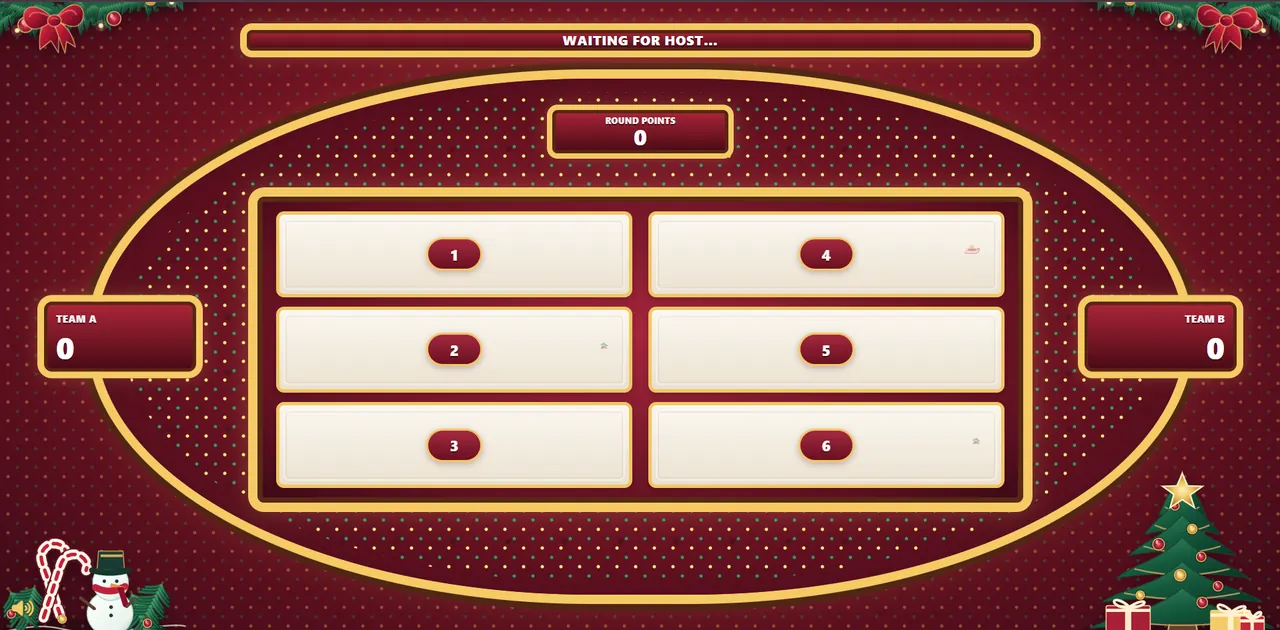
Christmas Family Feud
Teams guess answers to festive questions while a host reveals them on a Christmas board.
Try a real Christmas game show →Planning a holiday get-together? Compare festive games by group size, setup and time—then pick an activity that actually fits your guests.

From zero-tech icebreakers to a live, hosted game show. Times and group sizes below are practical planning suggestions, not fixed rules.
Teams guess answers to festive questions while a host reveals them on a Christmas board.
Try a real Christmas game show →Act out holiday films, traditions or characters without speaking.
Play a short instrumental clip or hum a public-domain carol and let teams guess.
Pick between pairs such as gingerbread or cookies, real tree or artificial tree.
Ask questions about traditions, winter foods, films and music; keep a simple scoreboard.
Describe a holiday film in a few words or show an original visual clue.
Sketch a winter object or festive tradition while teammates guess the prompt.
Teams find safe, ordinary holiday-themed items around the home or room.
Tell two true holiday memories and one invented story; guests identify the lie.
Mark holiday words or pictures as the host calls them out.
Give clues about a wrapped everyday object and have guests guess what it is.
Decode a Christmas movie, song or tradition from a series of emoji clues.
Pass a wrapped present while the music plays; stop and give a friendly challenge.
Name festive foods, films or traditions starting with a chosen letter.
Give a series of short hints leading each recipient to their assigned gift.
Group sizes and durations are approximate; adjust to your guests, age range and available time.
Choose based on who is coming, whether everyone can see a screen, and how much preparation your host can do.
Choose Christmas charades, This-or-That or a short game show with a shared laptop screen.
Use a projector, two teams and a host. Prepare the questions beforehand so the game runs smoothly.
Keep rounds short, explain the rules clearly, use visual clues and choose age-appropriate topics.
For groups that want more than a printable list, Familio lets one host prepare questions, reveal answers and keep score on a separate Christmas-themed audience display. Players simply watch and answer together—no individual accounts required.
Mix quick icebreakers with one larger team activity so the evening has a natural pace.
Start with one easy Christmas This-or-That question per guest.
Play Christmas charades or Name That Carol in teams.
Host several Christmas Family Feud-style rounds with the audience screen.
Finish with a holiday trivia tie-breaker and celebrate everyone taking part.
Choose audience-specific advice if you are planning Christmas Eve, an office celebration or a school event.
Mixed-age questions and a relaxed Christmas Eve game-night plan.
See the full guide →A hosted activity for colleagues, hybrid teams and end-of-year celebrations.
See the full guide →Age-appropriate Christmas games and a practical classroom activity plan.
See the full guide →Christmas This-or-That, Two Truths and a Christmas Lie, charades and a short name-that-carol round need very little equipment.
Team-based games such as a hosted Family Feud-style competition, trivia and music guessing work well if the audience can see or hear the host.
Yes. In Familio, one host controls the game and the group watches a shared audience display. Individual player accounts are not needed.
Screen-shared trivia, Guess the Holiday Film, Christmas Family Feud and This-or-That can work in a video meeting. Check your audio and screen sharing before the event.
No. They are suggested ranges for planning. Adapt the activities to your venue, age group and number of participants.
Try the Familio Christmas game show with a real controller and festive display, or browse questions before making your own.
We use necessary technologies to operate Familio Games. With your permission, we may also use analytics to understand how our website is used and marketing technologies where applicable. You can accept, reject, or customise your preferences. Privacy Policy