

No student accounts
Show the audience board on a projector or interactive screen. Only the host needs an account and appropriate access.
Turn your final December lesson or school Christmas celebration into a team game show. Use a host-controlled Christmas board, age-appropriate questions and a shared classroom screen.
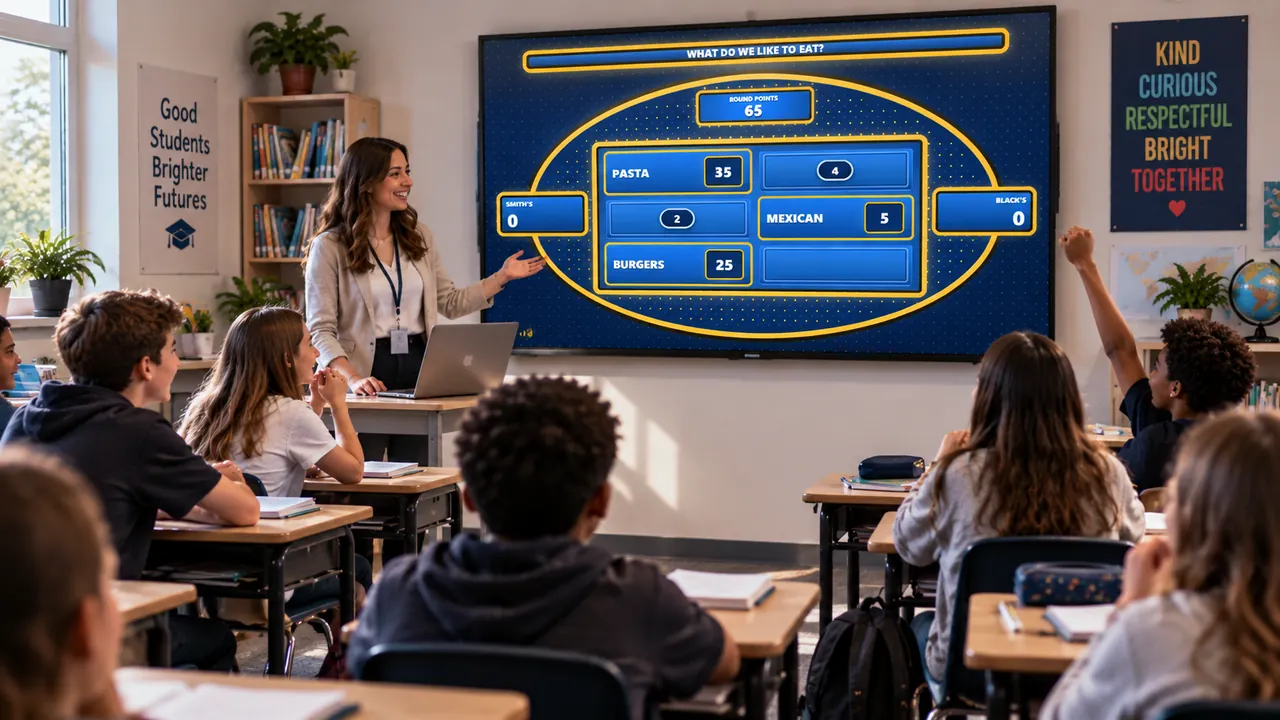
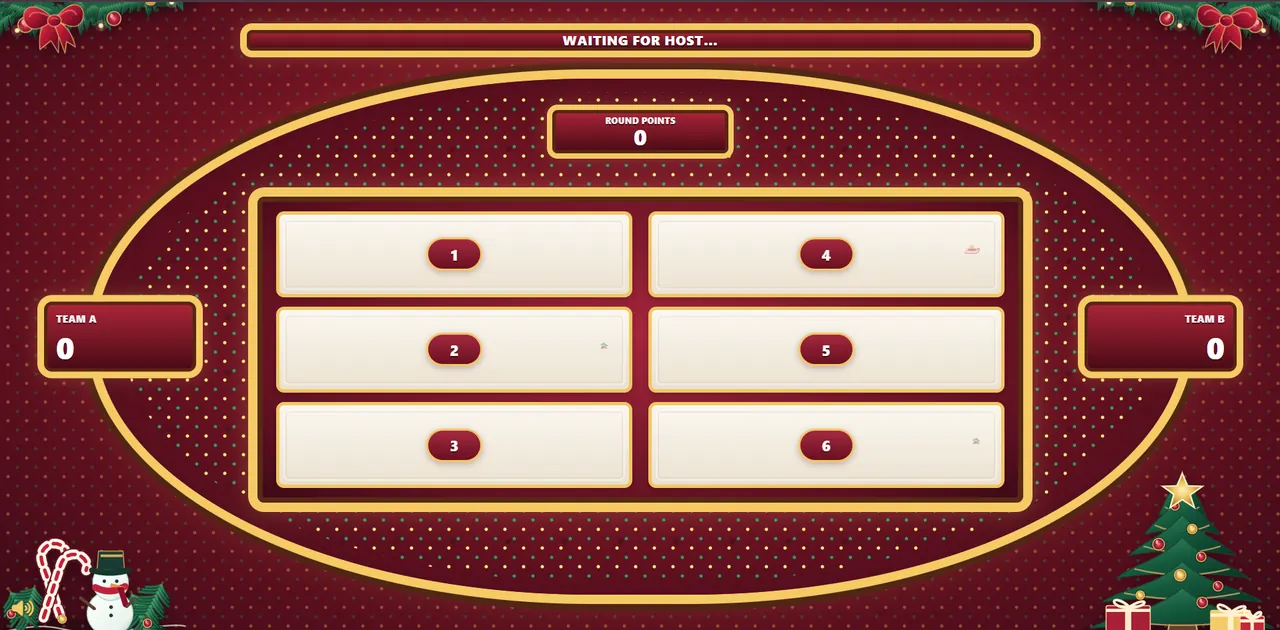
Use a familiar team-guessing format with brief rounds, shared answers and clear teacher control. The activity can be adapted for elementary, middle or secondary school students.
Show the audience board on a projector or interactive screen. Only the host needs an account and appropriate access.
Use Christmas traditions, language-learning vocabulary, geography or winter topics, and edit all questions yourself.
The host reveals answers, keeps team scores and controls the pace without individual student devices.
A flexible example for a whole class. These timings are suggestions rather than a software timer.
Explain the format and choose a spokesperson for each team.
Use gifts, decorations and winter-vocabulary prompts.
Alternate team answers and reveal the board after each guess.
Use one tougher question and encourage full-group discussion.
Announce the final score and ask pupils to name new words they learned.
Practise Christmas vocabulary, speaking and turn-taking. Ask learners to explain guesses in full sentences.
Use shorter questions, image-supported vocabulary and small teams. Avoid unfamiliar religious or regional traditions unless taught first.
Include holiday geography, winter sports, festive movies and school-friendly pop culture, with several classes watching the shared screen.
Ornaments · Lights · Star · Candy canes
Coat · Hat · Gloves · Boots
Cookies · Cake · Roast dinner · Gingerbread
Visit family · Travel · Play games · Watch movies
Wreath · Stocking · Garland · Lights
Tree · Snowman · Star · Gift
These are original editorial suggestions, not answers gathered in a real survey. Adapt them to your learners and choose your own points.
Preview the real controller and festive board on this site.
Choose age-appropriate questions, adjust answers and add your preferred points.
Keep the host controls private and share the Christmas display with the class.
No. One teacher or host runs the game; students participate together without individual accounts.
Yes. Open the separate audience display on a connected TV, projector or interactive screen while retaining the controller on the host device.
Yes. You can prepare and customize questions, answers and point values for your class.
The sample lesson plan is 25 minutes, but the host sets the pace. You can make it shorter or longer.
No. The sample answers are editorial suggestions and should not be described as survey findings.
Try the demo, browse 100 Christmas questions and make a lesson your students will remember.
We use necessary technologies to operate Familio Games. With your permission, we may also use analytics to understand how our website is used and marketing technologies where applicable. You can accept, reject, or customise your preferences. Privacy Policy