Office Teams
Staff socials, team days and informal group activities.
TEAM BUILDING · OFFICE PARTIES · CORPORATE EVENTS
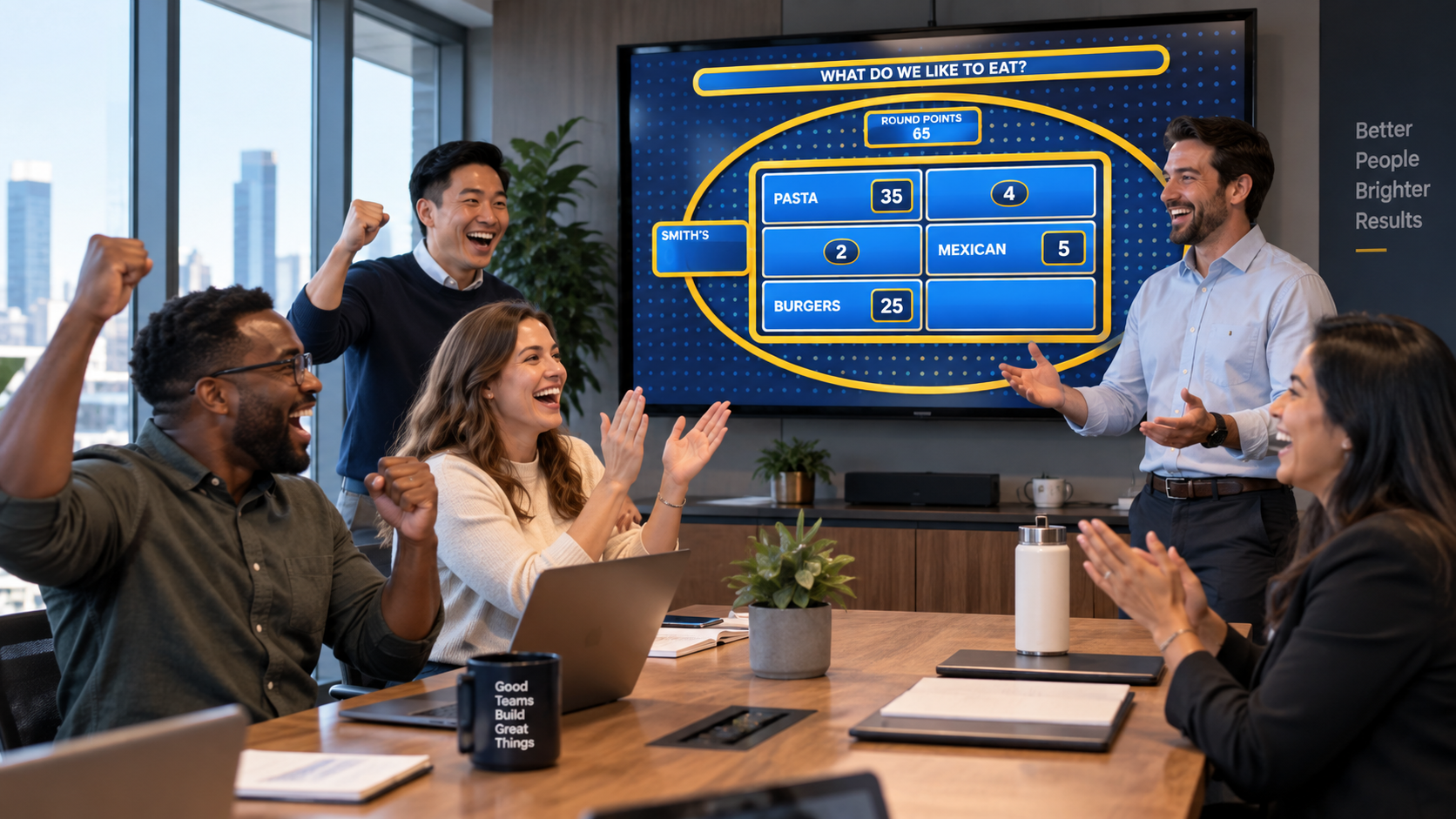
Turn coworkers into competing teams and host your own live Family Feud-style game at an office party, staff social, team-building session or corporate event.
Start with ready-to-play questions or build custom workplace rounds, then run the game with answer reveals, strikes, scoring and a separate audience display.
BUILT FOR REAL GROUPS
Familio Games has been used by different kinds of paying customers, including DJs, event companies, private hosts, church groups and foundations. That range matters because the same game-show format can work for a casual staff social, a professionally hosted company event or a more structured team-building session.
Staff socials, team days and informal group activities.
Organised corporate entertainment and client events.
Audience-led entertainment where one presenter runs the room.
Social events, group activities and community gatherings.
WHY IT WORKS
The format is easy to understand: teams hear a survey-style question, discuss possible answers and try to uncover what is on the board. That makes it easier to involve a mixed group without expecting everyone to share the same specialist knowledge.
Coworkers play together, discuss possibilities and react to the board as one side rather than competing individually.
Players are guessing common responses rather than sitting a specialist trivia test, so the basic rules are quick to understand.
Mix general questions with rounds about workplace habits, your industry, team culture or the theme of the event.
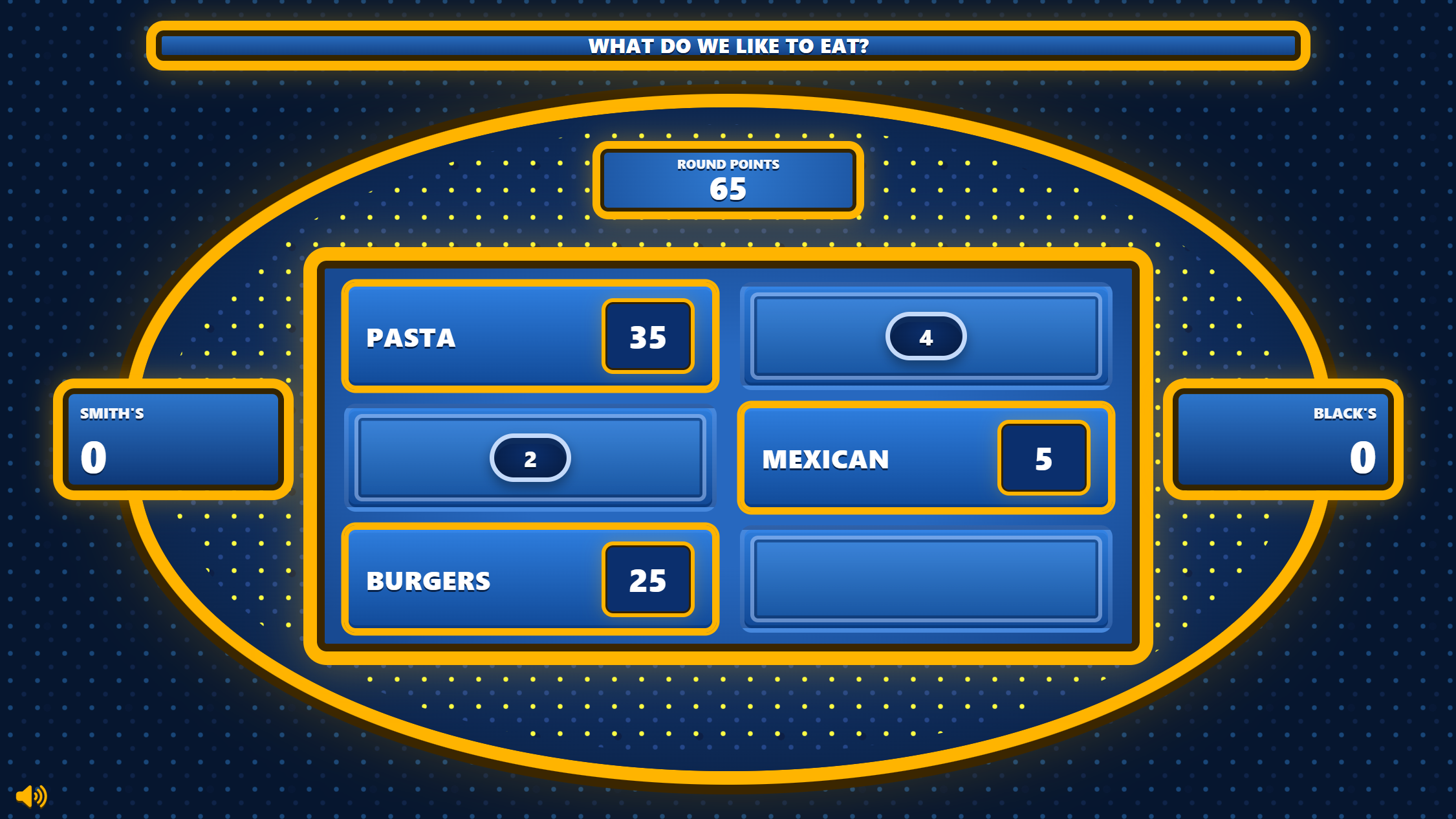
The presenter controls answer reveals, strikes and scoring while the audience sees only the clean game board.
WHERE IT FITS
Use Family Feud as the main activity or as a lighter competitive section inside a longer team day.
Put the board on a TV or projector, divide the room into teams and turn a company gathering into a hosted game show.
DJs, MCs and event organisers can prepare the game in advance and host it in front of a larger audience.
Build light custom rounds around office life, company knowledge, team habits or internal culture when that suits the occasion.
MAKE IT ABOUT YOUR TEAM
Generic questions are useful when you want a fast setup. For a more personal work event, create rounds around shared experiences, workplace habits, your industry or your own company culture.
Keep company-specific questions light, understandable and appropriate for the people in the room. Mixing them with general rounds helps prevent the game from relying too heavily on inside knowledge.
WORK QUESTION IDEAS
FROM SETUP TO SHOWTIME
Prepare the content before the event, then keep the live hosting simple once everyone is in the room.
Start a Family Feud project for the event.
Use ready-made, workplace-specific or mixed rounds.
Create two sides and choose a host.
Keep answers and game controls private.
Put the game board on a TV or projector.
Reveal answers, add strikes and award points live.
TWO-SCREEN HOSTING
During a company event, the presenter can keep the controls privately on a laptop while the audience follows the game on a television, projector or second screen.
Reveal answers, register strikes, award points and control the pace without exposing the behind-the-scenes controls to the teams.
Start Round / Open Display
BUILT FOR THE HOST
Use ready-made content or create your own company-specific rounds.
Reveal matching answers privately from the host controller.
Track incorrect guesses and award points without a separate sheet.
Show players the game board while keeping host controls private.
QUICK ANSWERS
Practical questions about using Familio Games for workplace socials, team days and corporate events.
Yes. You can create your own questions, answers and point values and combine those custom rounds with ready-to-play questions.
Yes. Familio Games has a separate audience display that can be shown on another screen while the presenter keeps the private controller on their own device.
No. You can use ready-to-play questions from the Familio Games library and add custom company rounds only where you want them.
No. The same setup can work for an office party, staff social, team-building session or a larger professionally hosted event.
READY FOR YOUR NEXT EVENT?
Build a Family Feud-style game for your team, choose ready-to-play questions or add your own and host the event with scoring, strikes and a separate audience display.
Need ideas first? Browse 100 Family Feud questions and answers.We use necessary technologies to operate Familio Games. With your permission, we may also use analytics to understand how our website is used and marketing technologies where applicable. You can accept, reject, or customise your preferences. Privacy Policy