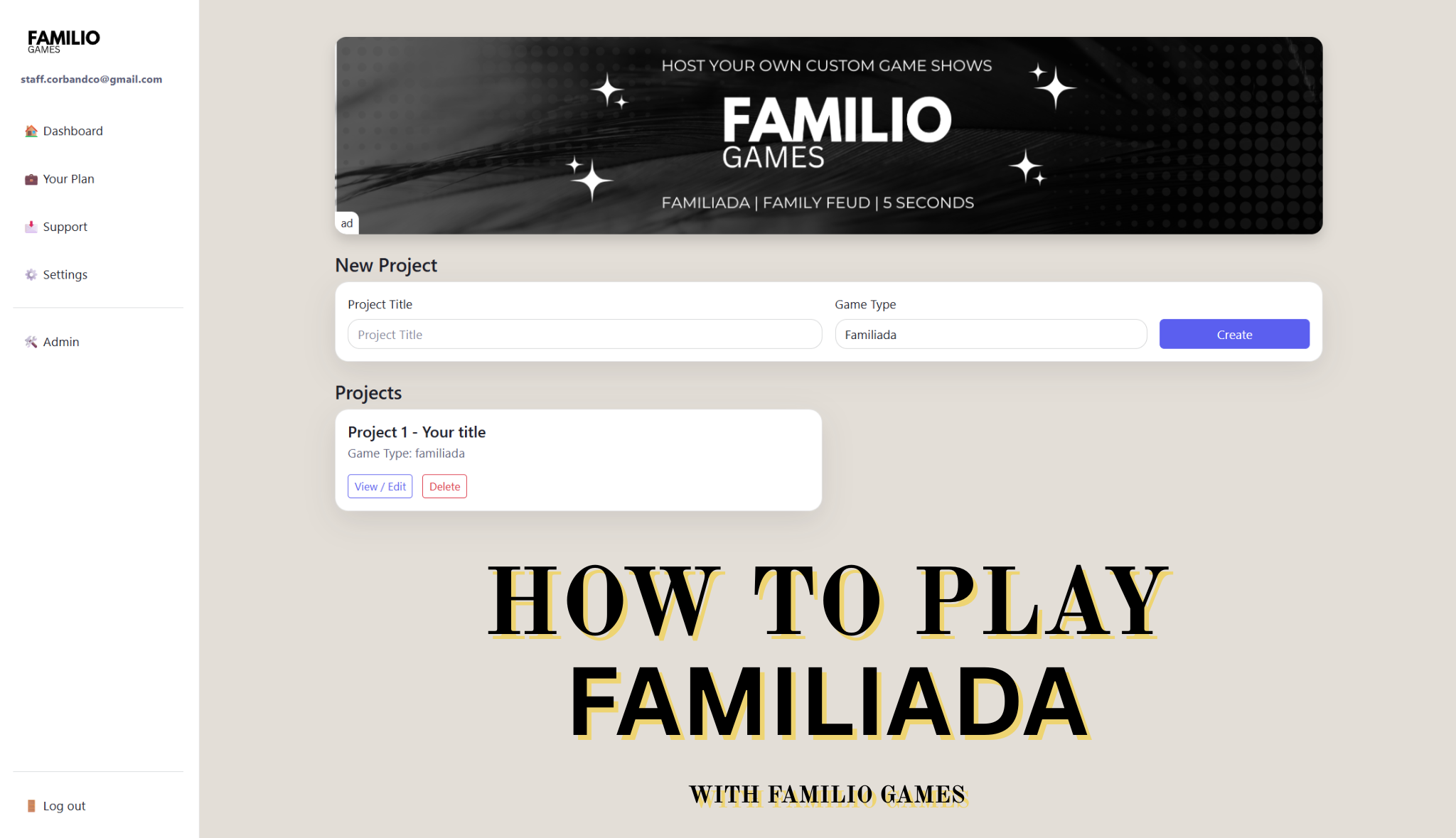
What Is Familiada Online?
Familiada online is a digital version of the classic TV game show where players try to guess the most popular answers given in surveys. Instead of preparing everything manually, you can now run the entire game through a web app like Familio Games.
This makes it perfect for:
- Weddings
- Corporate events
- Birthday parties
- School activities
- Team-building sessions
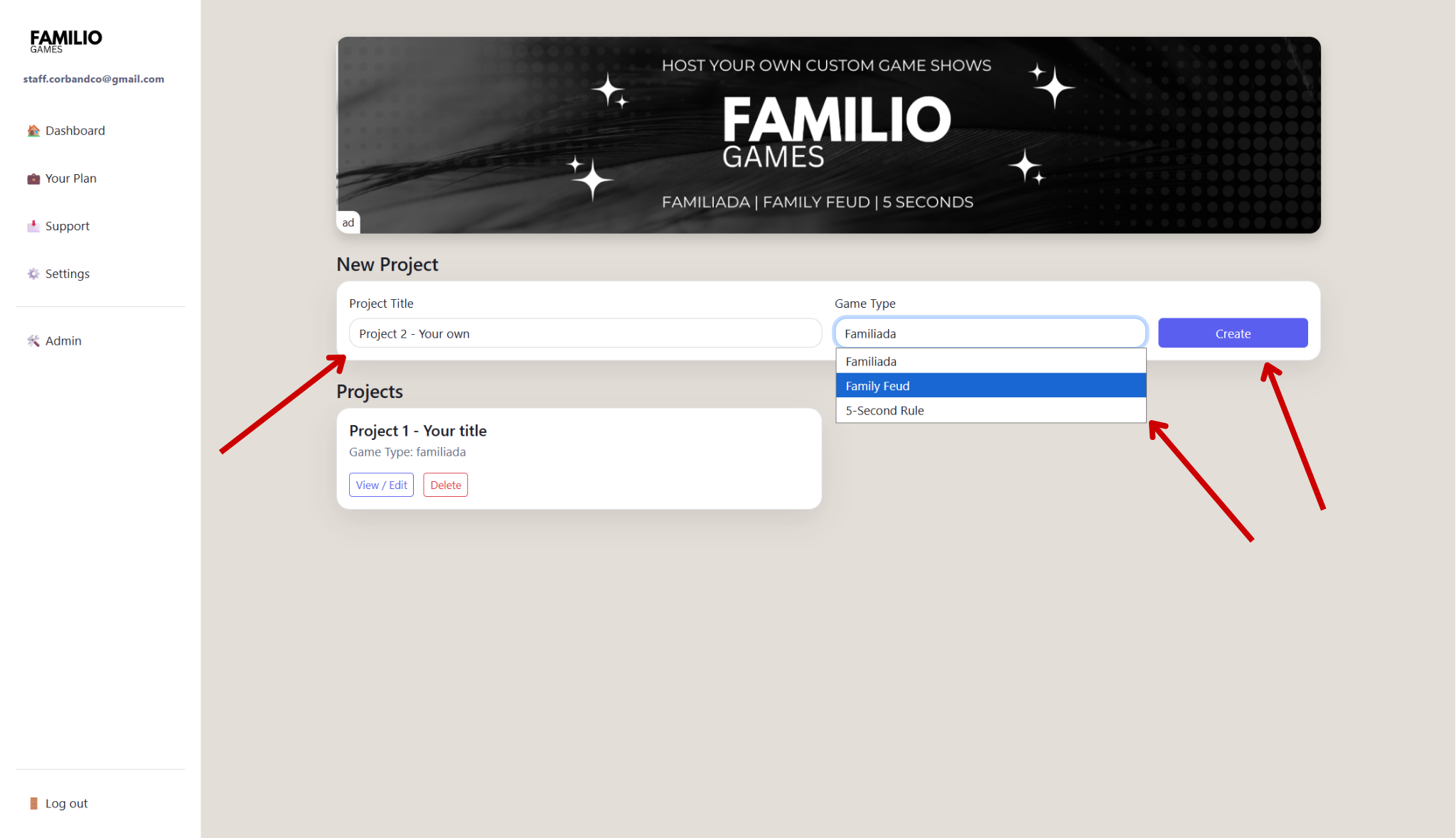
Step 1: Create Your Game in the Dashboard
Start by creating a new project inside the Familio Games dashboard. This is where you prepare everything before your event.
You can:
- Set custom team names
- Choose the game type
- Add or import questions
- Prepare your full game flow in advance
Preparing your game ahead of time ensures everything runs smoothly during your event.
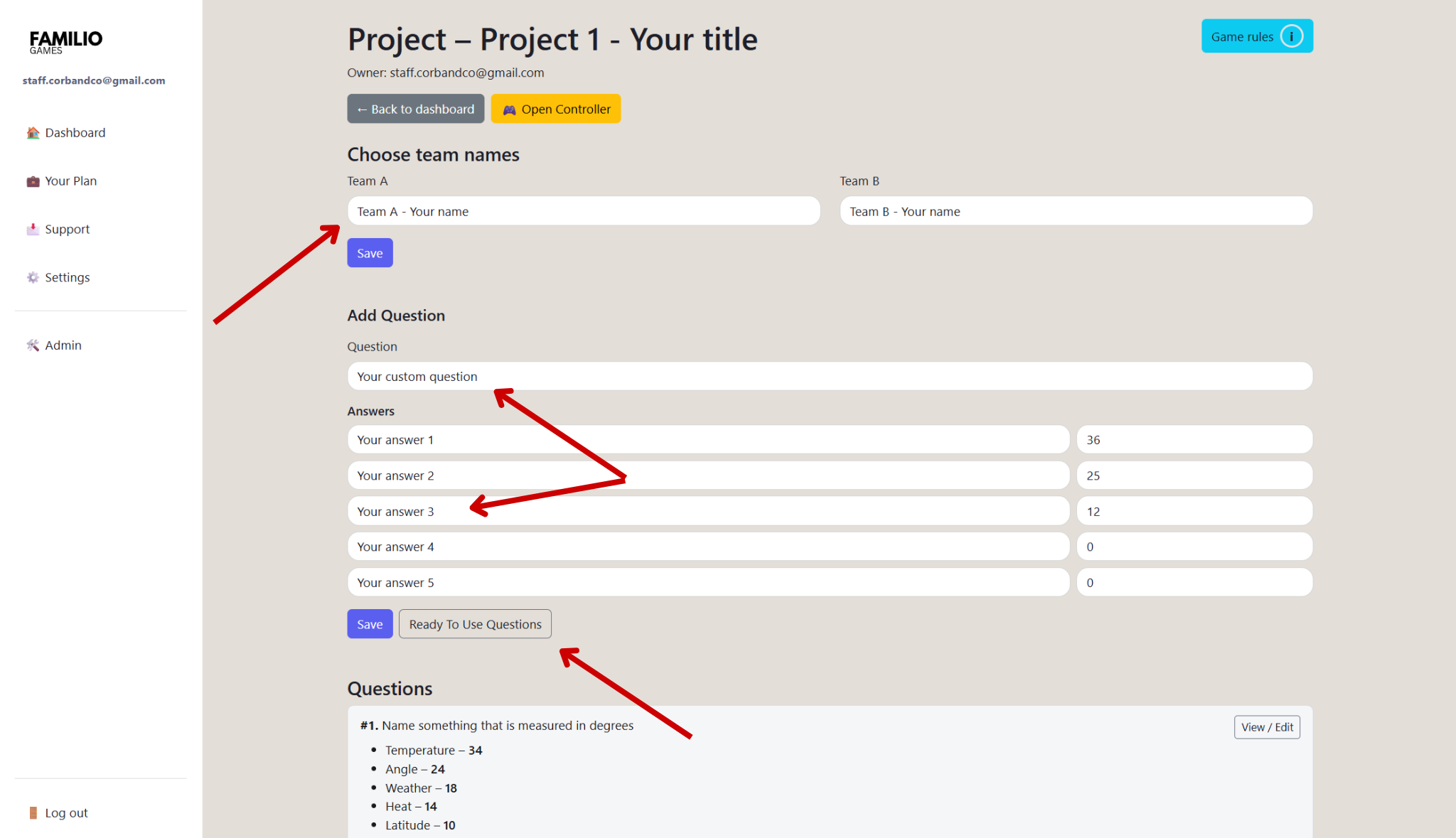
Step 2: Add Questions or Use Ready-to-Use Packs
You can either create your own questions or use ready-to-use question packs available in the app.
Custom questions are perfect for:
- Weddings with personalized content
- Corporate events with inside jokes
Ready-to-use questions are ideal if you want to start quickly. They include:
- Balanced difficulty
- Multiple answers
- Assigned points
This is the fastest way to start playing immediately.
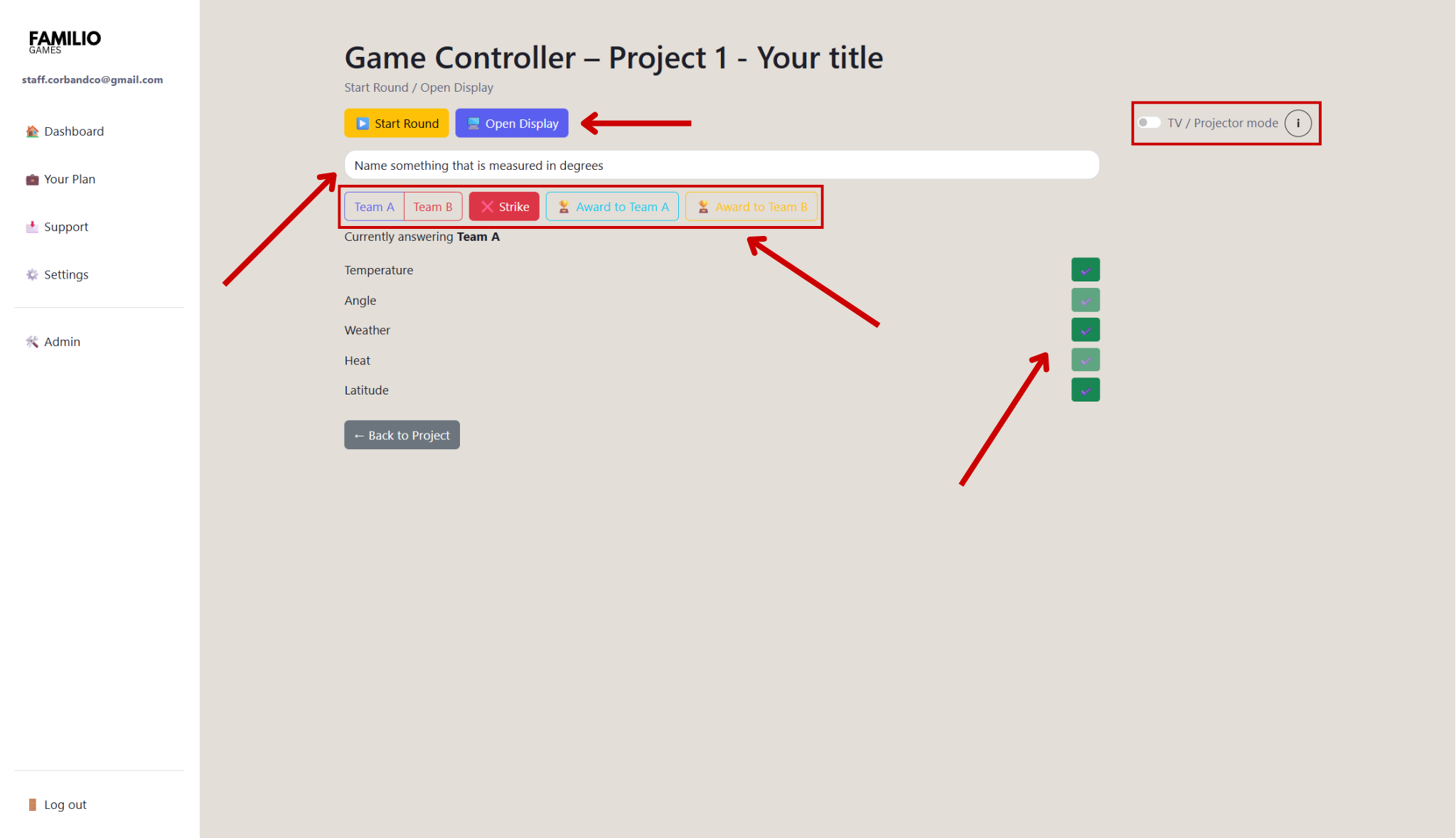
Step 3: Use the Controller (Host Panel)
The controller is the host's control panel used to manage the game in real time.
From the controller, you can:
- Reveal answers
- Assign points
- Track mistakes
- Control the flow of the game
This replaces manual hosting and makes the game much more dynamic and professional.
Step 4: Open the Display Screen
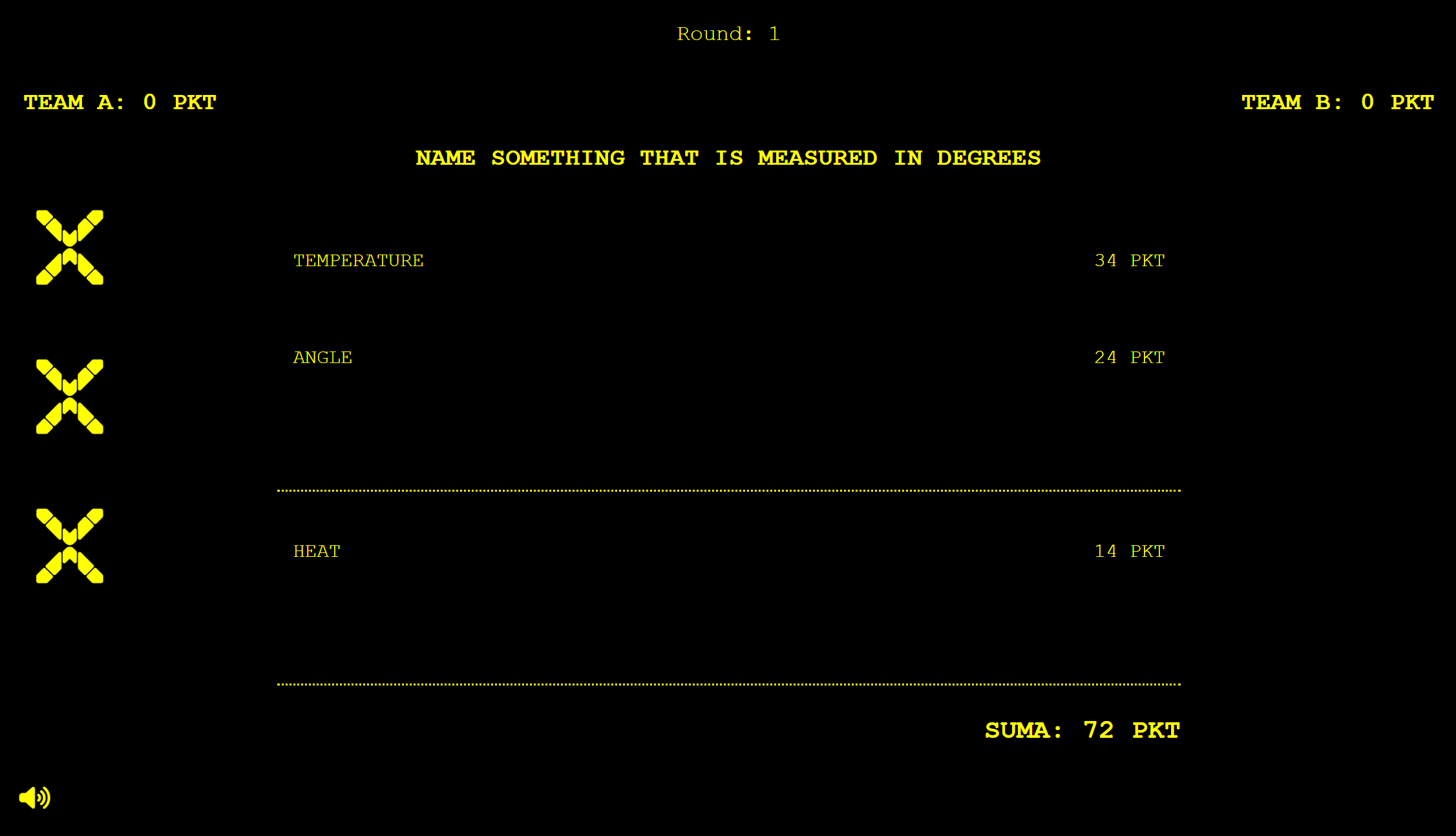
The display screen is what your players and audience see during the game.
You can open it on:
- A TV (a dedicated TV mode is available in the controller)
- A projector
- A second screen
It shows questions, answers, and scores in real time, creating a true game show experience.
Step 5: Start Playing
Once everything is set up, you are ready to start the game.
Typical game flow:
- Two teams compete
- Players guess the most popular answers
- The host reveals answers using the controller
- Points are awarded
- The game continues until a winner is decided
All actions are synchronized between the controller and display in real time.
Tips to Make Your Game More Engaging
- Use personalized questions about your guests
- Keep rounds short and dynamic
- Use a confident host
- Display the game on a large screen
- Match the question style to your audience
Why Play Family Feud Online Instead of Offline?
Running a family feud game online gives you major advantages compared to traditional formats:
- No printing or manual setup
- Automatic scoring
- Professional visual experience
- Easy management of large groups
- Works anywhere with internet access
Playing Familiada online is one of the easiest and most effective ways to create an engaging experience for any event. With Familio Games, you can prepare your game in minutes and run it smoothly without technical stress.
Try Familiada Online Now
Ready to host your own game?
Start your Familiada online game and turn your event into an unforgettable experience.